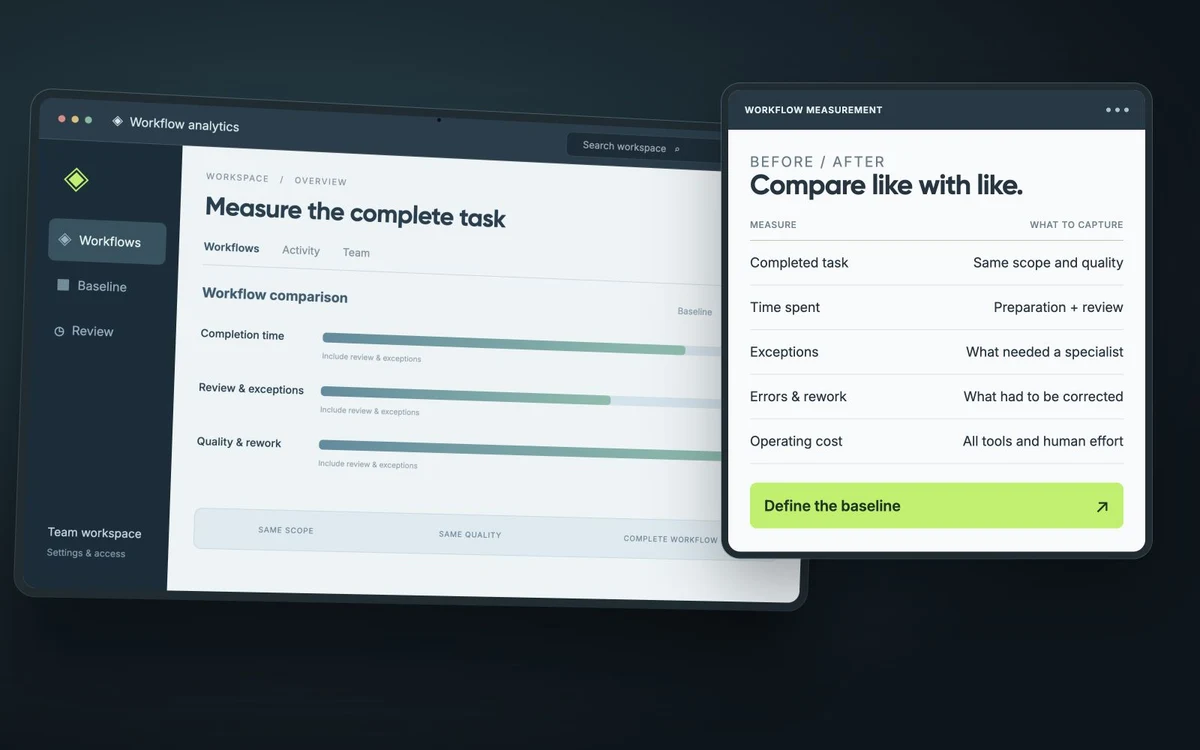
What replacing ZMatic’s spreadsheets taught us about ERP
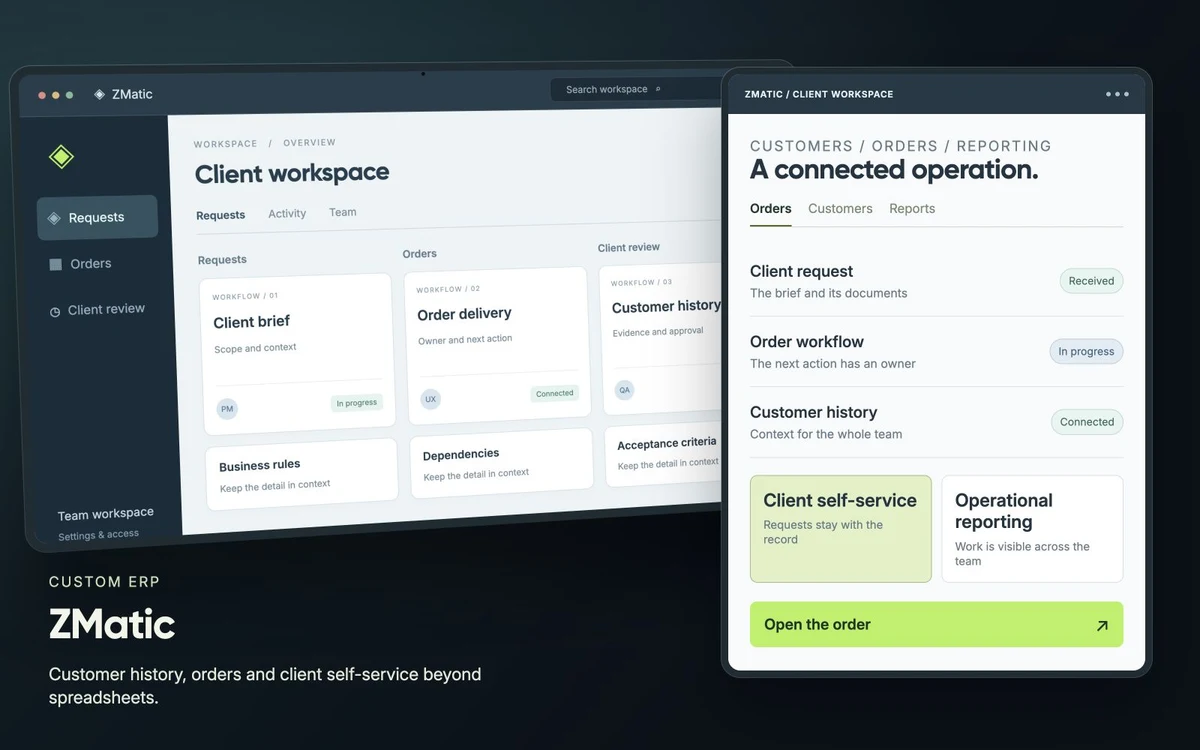
When we helped ZMatic move from interconnected spreadsheets to a custom ERP, the starting point was the knowledge already inside the files. Formulas, links between sheets and workarounds carried decisions about how the business ran. The new system needed to carry that knowledge forward.
The spreadsheet was already doing part of the ERP's job
ZMatic's marketing operation worked across spreadsheets, task tools, messages and email. Customers, orders and operational activity were connected, but following those connections depended on the existing files and the people who understood them.
The early project notes recorded two practical problems: updates were not consistently current, and the spreadsheet could freeze. Those issues affected the tool the operation already depended on.
A list of columns could tell us what information was stored. Understanding the dependencies and exceptions was necessary to decide how the new system should behave. That review informed the data model and the migration.
This is a useful starting point for any business considering a similar move. Look at what people do with the spreadsheet throughout a working week. Follow the calculations, the handoffs and the occasions when someone has to explain what an entry means.
Find the decisions before designing the screens
The goal of a review is to make the important rules explicit enough to build, check and maintain. These are practical questions to take into that review:
| What to examine | Question to ask | Decision for the new system |
|---|---|---|
| A formula | Which business decision does this calculation support? | The inputs, rule and result that need to be preserved. |
| A link to another sheet | Which customer, order or activity does this row depend on? | The relationship between the records. |
| A manual correction | What happened that the normal process did not cover? | An exception to handle and the person allowed to resolve it. |
| A repeated message | What information is someone asking for, and where does it come from? | The access, status or next action needed in the workflow. |
Ask the person doing the work to walk through an ordinary record and an awkward one. Compare the explanations with the formulas and linked records. If two people apply a rule differently, resolve that difference with the business before turning it into application behavior.
A request needs an owner and a confirmed next step
The project documentation gives a concrete example in the client funding workflow. A request carries the client, payment method, amount, fees, payment reference and account manager. Its documented steps include confirming the payment and recording the payment receipt.
That detail helps explain the scope of a business system. Storing a requested amount, confirming the payment and making the resulting information available to the next person are separate parts of the work. Each needs a place in the workflow.
Give the rules somewhere to live after the migration
For ZMatic, the resulting ERP connects customer history, orders, reporting and selected communications. Sales and operations can review customer and order information in the same system.
The delivery also included a client portal for profiles, campaign information, new orders and billing information. Customers can access information and carry out repeat activity through that portal.
Those are useful outcomes to examine when deciding whether your own business has outgrown its spreadsheets. Can the next person find the relevant customer and order context? Can a customer complete a recurring task? Where will a business rule be maintained when it changes?
Check the meaning of the data you move
The spreadsheet structure and its dependencies informed ZMatic's data model and migration. Copying a value into a new field is only part of that work: its relationship to the surrounding records matters too.
For your own migration, choose representative records and agree what should be checked. Trace their relationships, identify information that needs clarification and give someone responsibility for resolving it. Keep those checks connected to the workflow the team will use after launch.
A useful acceptance review follows a piece of work through the new system. The people who knew the spreadsheet should be able to verify the information and the rules, while the next person should be able to understand the task through the product.
Start with one workflow your team knows well
Bring one spreadsheet, the related records and an example that requires someone to explain an exception. That gives a delivery team something concrete to investigate before proposing a platform or a feature list.
Read the ZMatic ERP case study for the project context and the work delivered. If your operation has a similar starting point, explore our approach to custom ERP development.