Published Jun 12, 2023 · Updated Sep 14, 2026

How to modernize software without losing the business rules
How to modernize software without losing the business rules

Start with what must keep working

An older product may be difficult to change and still contain valuable business knowledge. Before choosing a new stack, identify the workflows, calculations, permissions and integrations that users depend on.

Look beyond the code

Review representative records, reports, documents and support issues. Ask users about the exceptions: failed payments, partial deliveries, corrections and records that do not match. These are often where the important rules become visible.

Choose the boundary of change

Some problems call for a better interface or targeted improvements. Others require new components or a replacement. Compare the options against the required capabilities and the practical cost of keeping old and new parts connected.

Make migration a testable part of delivery

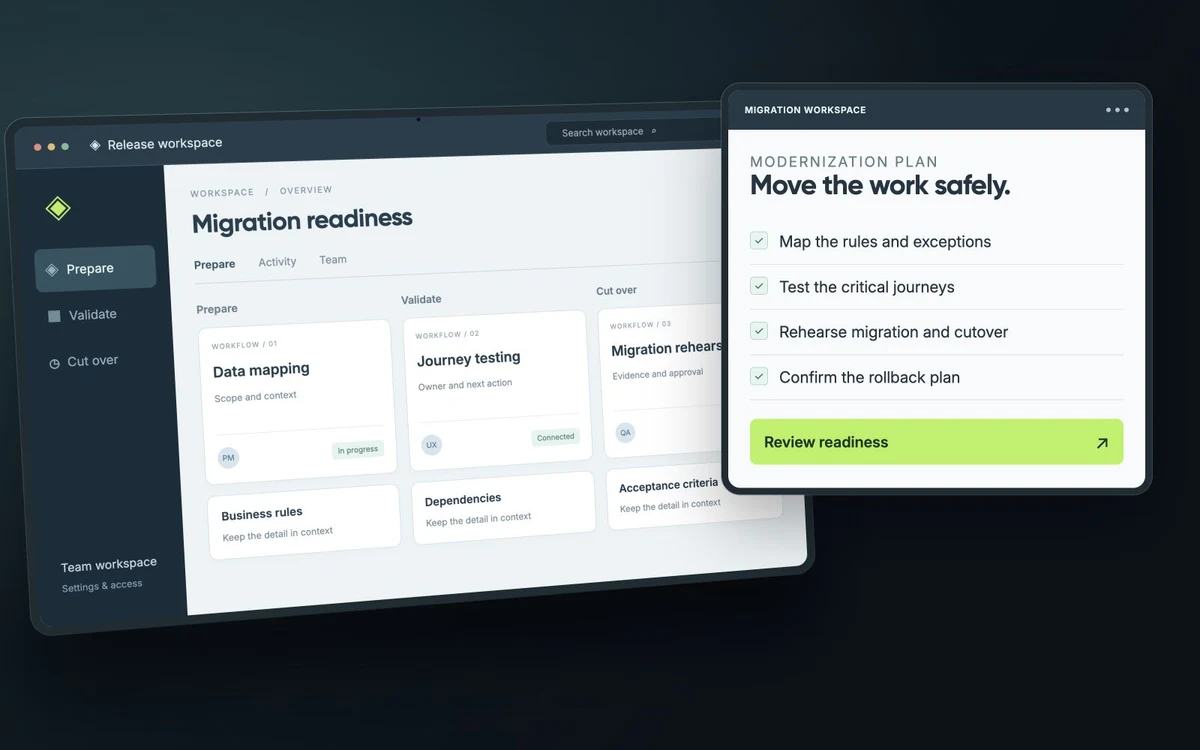
Define how records map, which information must reconcile and how you will check completeness. Rehearse the migration with representative data. Resolve discrepancies before treating the import as finished.

Plan the release, including failure

Agree when the new system becomes authoritative, how users move over and what the team will do if a critical check fails. Phased rollout and parallel operation can help in some architectures; both add responsibilities that need to be designed.

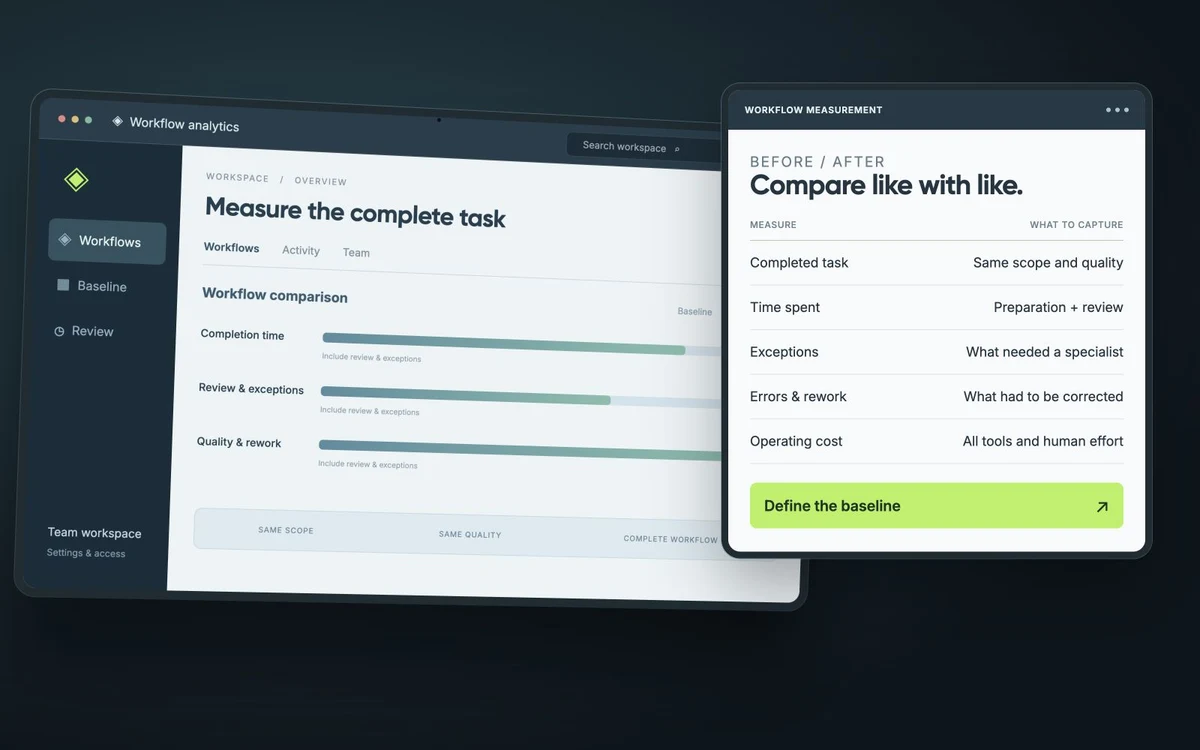
Measure the change that mattered

Use the original problem to judge the result: time to make a change, a difficult user task, an operational bottleneck or an agreed reliability measure. A new technology name is not itself the business outcome.

Establish what the current system does well

Begin with the workflows that already support the business. Record their users, rules, inputs, outputs and dependencies before deciding which technology to replace. Include the work that happens outside the application, such as reconciliations in spreadsheets or approvals sent by email.

This baseline helps distinguish a technical limitation from an unclear process. It also gives the team a way to judge whether a proposed change preserves the useful behavior of the existing system.

Choose where to intervene

The next step might be a targeted improvement, an integration, a replacement of one part of the product or a broader rebuild. Compare those options against the actual constraints: access to the source code, dependencies, operating costs, data quality and the availability of people who understand the system.

Before promising a faster product, define the operation to measure and the conditions of the measurement. Loading a customer history, importing a file and completing an overnight calculation are different problems. A baseline and a repeatable test make the result understandable.

Plan the transition as part of the work

Identify which records move, how identifiers will be matched and who resolves exceptions. Rehearse a migration with a copy of representative data and compare the business results, including totals and relationships, rather than relying only on the number of imported rows.

For a staged transition, define which system owns each record while both remain in use. Include a support plan, access arrangements, a rollback decision and checks after release. A release is ready when the team can operate and support the changed workflow, with known limitations recorded.

Explore the next step with Perspective Unity.

More from the Blog